Workout tracking
Personal Trainer Client Workout Log Template: Excel Sheet and Example
Download a real workout-log workbook for personal trainers, with a blank set-by-set sheet, instructions and a fictional worked example.
Published October 4, 2026 · Updated October 4, 2026
This personal trainer client workout log template keeps three things separate: what the plan prescribed, what the client actually completed, and what the trainer wants to review next. Copy the fields into your existing record system and use one session entry per workout. It is a general record-keeping template, not an exercise prescription.
The blank template is below, followed by an illustrative example. Keep only the fields that help you understand the session or make an agreed coaching decision; not every exercise or client needs the same measurements.
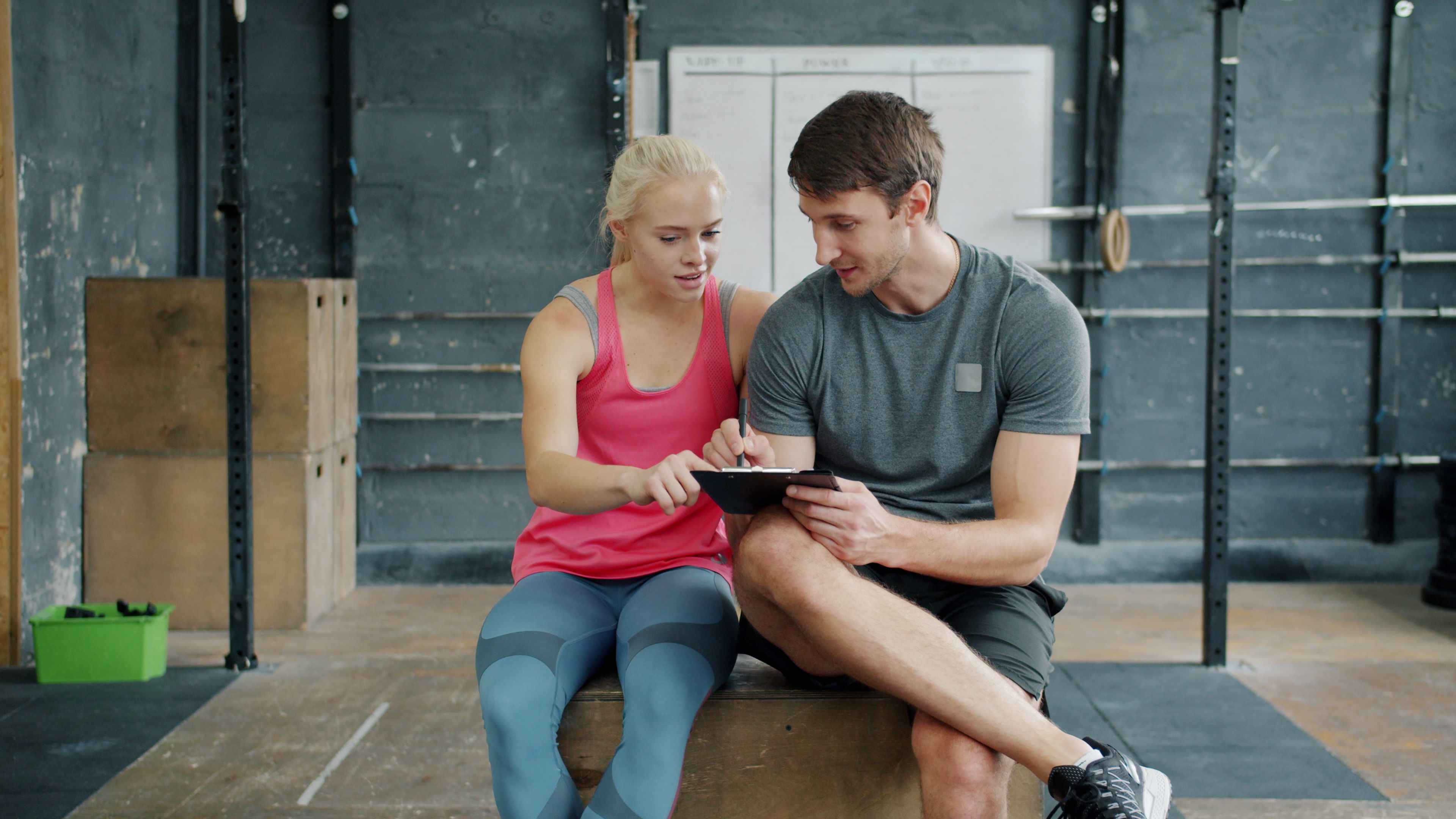
Reviewing a session log together can help turn recorded work into a clear coaching follow-up.
Photo: Vitaly Gariev / Pexels · License: Pexels License
Download the client workout log spreadsheet
Includes a blank set-by-set log, a quick-start sheet and a fictional worked example. Open it in Excel or upload the .xlsx file to Google Sheets.
Download the workout log workbook (.xlsx)The blank Workout log tab uses one row per set, so you can filter or sort the records in Excel or Google Sheets. Repeat the client reference, date, plan and session status on each row; keep planned targets separate from completed results. The Worked example tab uses fictional data and can be deleted before you enter real records.
What to record for each exercise
Match the log to the exercise and the question you expect to review. A resistance exercise may need planned and completed sets, repetitions and load. A timed hold may need duration. A conditioning interval may need time or distance. Do not force every movement into the same measurement format.
- •Planned target: the sets, reps, load, duration, distance or other target the client was given.
- •Actual result: what was completed, recorded separately from the plan.
- •Completion status: full, partial or not completed, when that status changes how you review the session.
- •Short note: a client or trainer observation only when it adds context for the next decision.
A workout log is not a booking calendar, attendance ledger or billing record. Keep those business records separate unless your system explicitly supports those workflows. Avoid collecting sensitive health details in a routine log unless there is a clear purpose and an appropriate process.
Filled-in example: planned work versus completed work
The following values are fictional and illustrate how to record a difference between the plan and the session. They are not recommended targets for a client.
- •Client ID: Demo client 04
- •Session date: 2026-10-02
- •Workout or plan: Upper body A
- •Session status: Partially completed
- •Exercise: Lat pulldown
- •Planned: 3 sets x 10 reps at 40 kg
- •Completed: 10 reps at 40 kg; 9 reps at 40 kg; 8 reps at 40 kg
- •Optional client note: Grip felt less secure on the last set
- •Coach review: Ask what changed before deciding whether the next session should repeat the target
The log shows the prescription and result without claiming to explain why they differ. The trainer can compare previous sessions and ask the client for context before deciding what to do next. One incomplete set alone does not establish a trend or dictate a programme change.
Use the log to prepare a useful follow-up
Before messaging, check the plan, the recorded result and any relevant previous session. A specific, neutral question is more useful than guessing: "I saw the final set was shorter than planned. Was anything different today, or should we simply review it at the next session?" Keep the message within the support you agreed to provide.
CoachBrag's workout tracking page describes completed-session history and supported exercise metrics, including reps, weight, duration or distance where configured. The selected exercise and setup determine which fields apply. [1]
If you need a way to review completed client sessions against assigned plans, see how CoachBrag handles workout history. Explore client workout tracking
Common workout log mistakes
- •Replacing the planned target with the completed result instead of preserving both.
- •Requiring load, reps, duration and distance for every exercise even when some fields do not apply.
- •Recording detailed notes that nobody reviews or uses.
- •Treating one missed set or session as proof of a broader performance pattern.
- •Using a workout record as a substitute for separate scheduling, billing or client-intake processes.
Frequently asked questions
What should a personal trainer include in a client workout log?
Start with the session date, workout name, completion status where useful, planned target, actual result and a short note only when it helps the next review. Add exercise-specific measures such as load, reps, duration or distance when they apply.
Should the workout log show planned and completed sets separately?
Yes, when you want to understand what the client was asked to do and what happened in the session. Keeping both preserves context for follow-up instead of turning the record into only a prescription or only a result.
Do personal trainers need a separate log for each client?
Each record should be clearly associated with the right client and session. That can be a separate sheet, a filtered table or a client record in software; choose a setup that avoids mixing histories and fits how you protect client information.
A useful workout log supports the next coaching decision
A client workout log does not need to capture everything. It needs to preserve the planned work, the completed session and enough relevant context to decide whether to follow up, repeat or adjust. Start with the copyable fields above, remove anything you never use, and adapt the record to the client's programme and the fields you can actually review.
Related guides
How to Track Personal Training Sessions Without SpreadsheetsA practical guide to tracking completed workouts, useful exercise metrics and training history without turning client coaching into spreadsheet administration.How to Track Personal Training Client Progress Over TimeA practical system for personal trainers to track client progress across weeks and months using workout performance, consistency, reassessments and coaching context.Weekly Personal Training Client Check-In Template: Questions Every Trainer Should AskA practical weekly check-in template for personal trainers, with short and full versions plus guidance on turning client answers into useful coaching decisions.
References
- 1. CoachBrag. Personal Training Session Tracking Software · Accessed 2026-10-11
Follow CoachBrag on Google
Add CoachBrag as a preferred source to make it easier to find our training and coaching guides in Google Search.
Loading Google preference…
CoachBrag
Put the guide into practice
Use CoachBrag to keep clients, workout plans, completed sessions and coaching communication in one workspace.